Content Dev:CC Clothing Hide Body Mesh
- Main article: CC Clothing Setup Guidelines.
Hiding Body Mesh to Prevent Poke-Throughs
When a garment pattern is extremely tight-fitting, skin weight adjustments alone may not prevent mesh interpenetration (clipping or poke-throughs) between the garment and the character’s body during specific poses or animations. Use the Hide Body Mesh Tool to conceal body regions prone to poke-throughs according to the garment’s pattern and coverage area.
For detailed operational instructions on the Hide Body Mesh Tool, please refer to the User Manual.
Checking for Poke-Throughs
After completing the garment’s Transfer Skin Weight workflow, apply Motion > (Calibration) Body Rig > Full Body from the default motion menu to inspect how the garment deforms during movement.
Check for areas where the character’s body penetrates the garment during specific poses or animations.

Configuring Hidden Body Regions
- Open the Hide Body Mesh Tool to conceal body regions prone to poke-throughs.
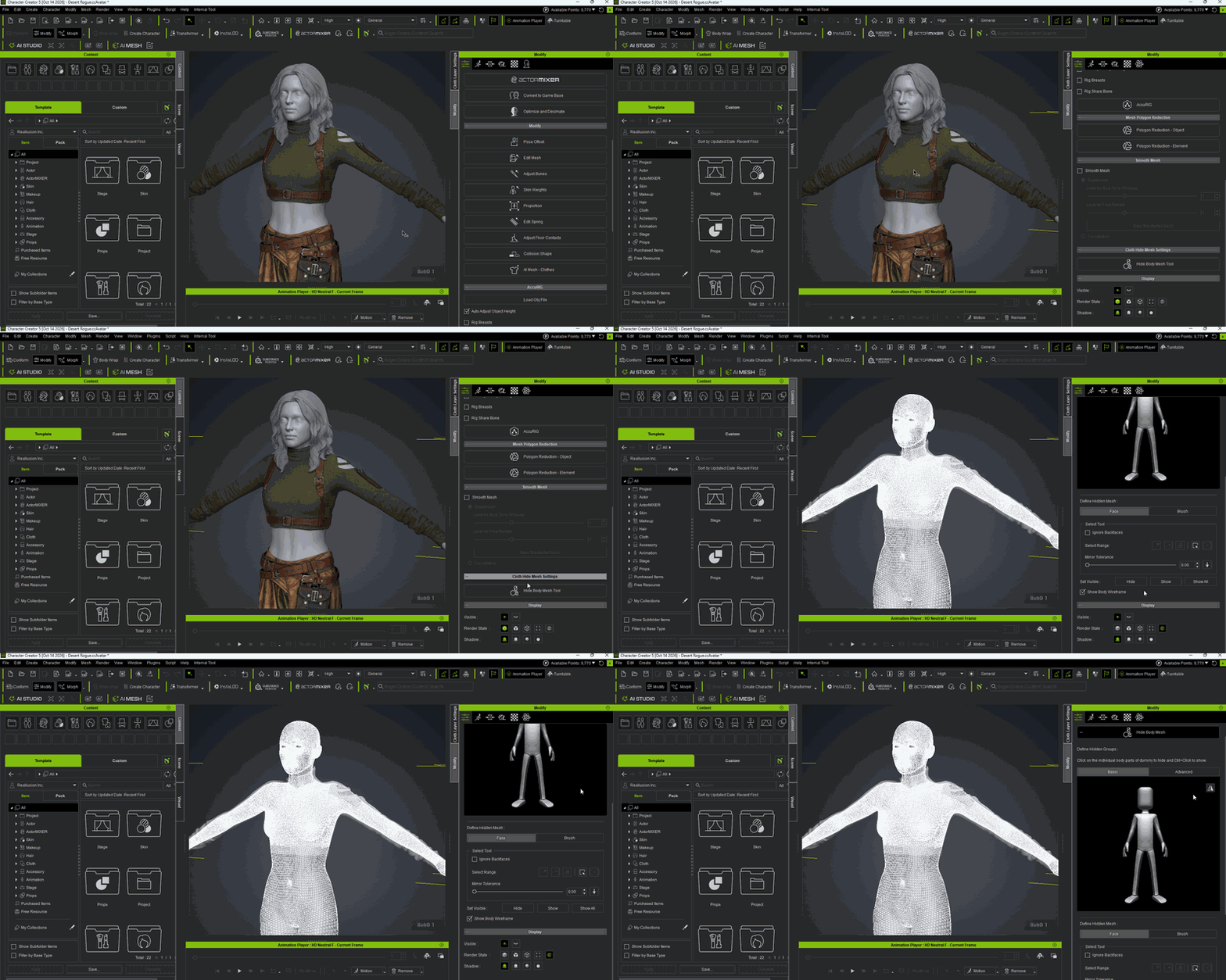
- Configure the hidden regions on the character’s corresponding body mesh according to the garment’s pattern and coverage area.
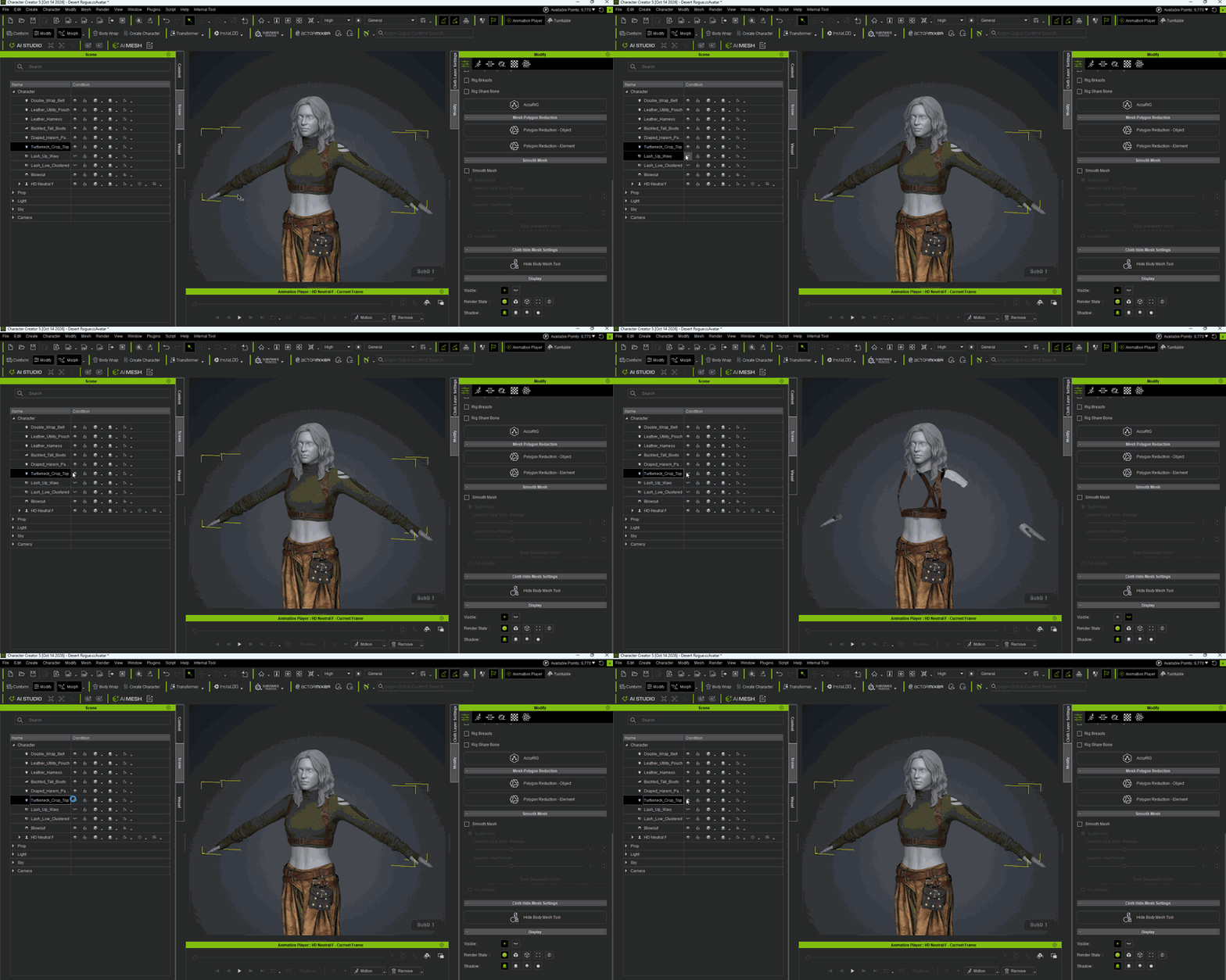


Checking the Results
After completing the Hide Body Mesh configuration, reapply Motion > (Calibration) Body Rig > Full Body.
Confirm that no mesh penetration (poke-throughs) appears between the garment and the body during full-body motion calibration.

